A One-Page Brief Before You Open the Design App
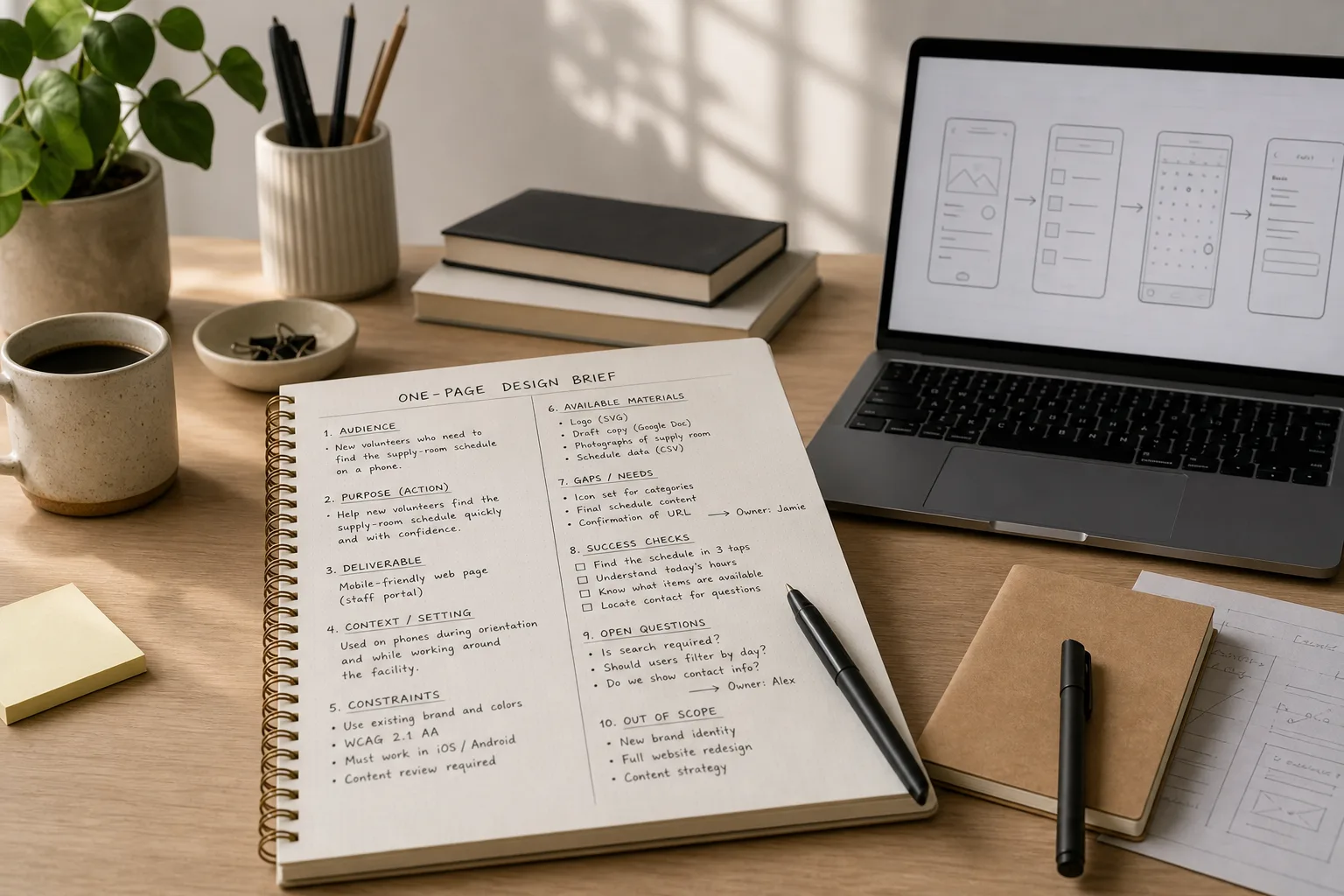
A one-page design brief helps you settle audience, purpose, constraints, and open decisions before visual exploration starts, so early choices…
Digital Avenue explores the choices behind making things with technology, from shaping a clear interface to getting a stubborn workflow to behave.
 Digital PracticeA One-Page Brief Before You Open the Design App5 min read
 Interface DesignThe Button That Looks Clickable but Does Nothing8 min read
 Web CraftA Personal Website With Three Pages and No Maze7 min read
 AutomationLet a Script Rename Files, Not Make Decisions8 min read
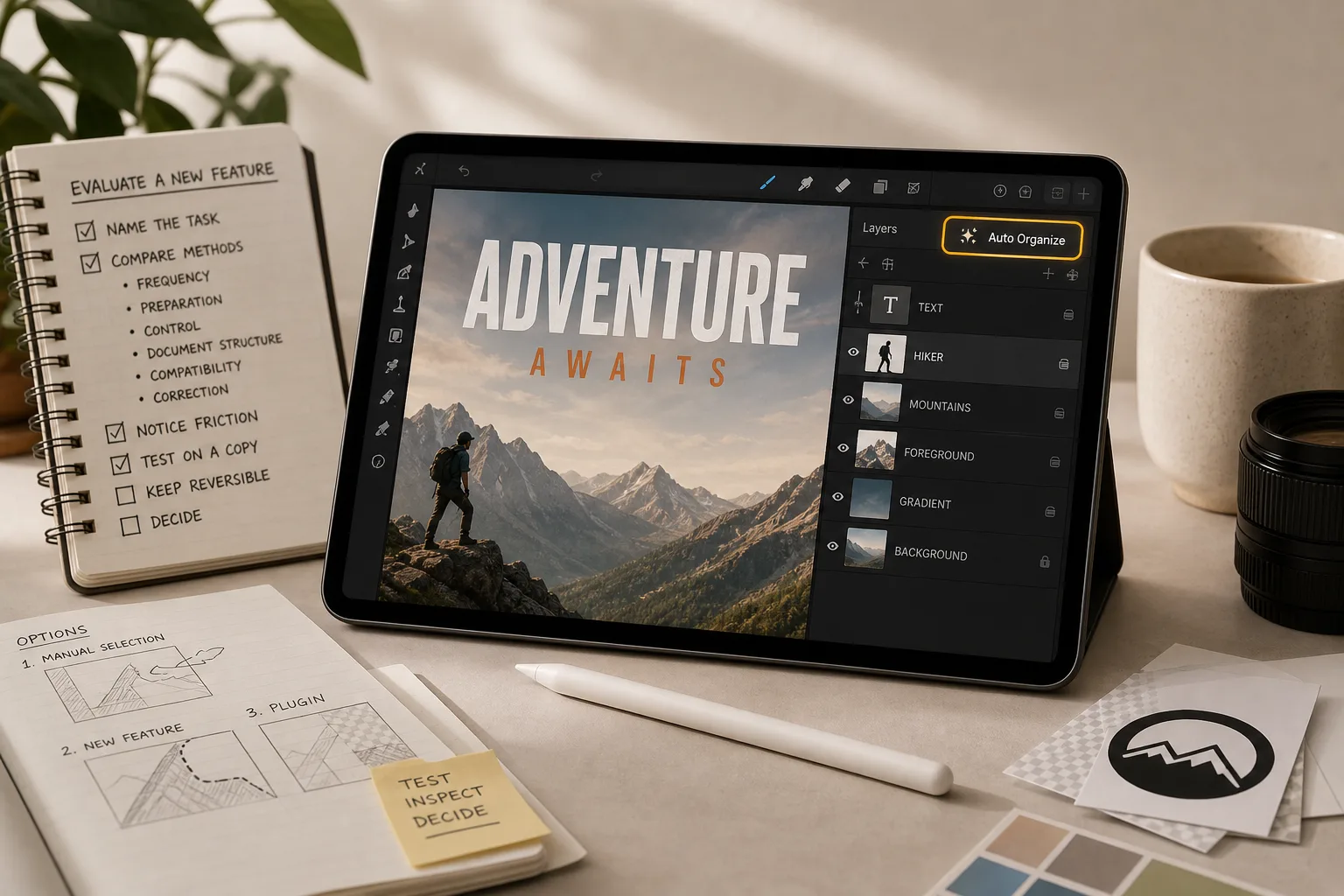 Creative ToolsWhen a Creative App Adds One Tool Too Many7 min read
A one-page design brief helps you settle audience, purpose, constraints, and open decisions before visual exploration starts, so early choices…
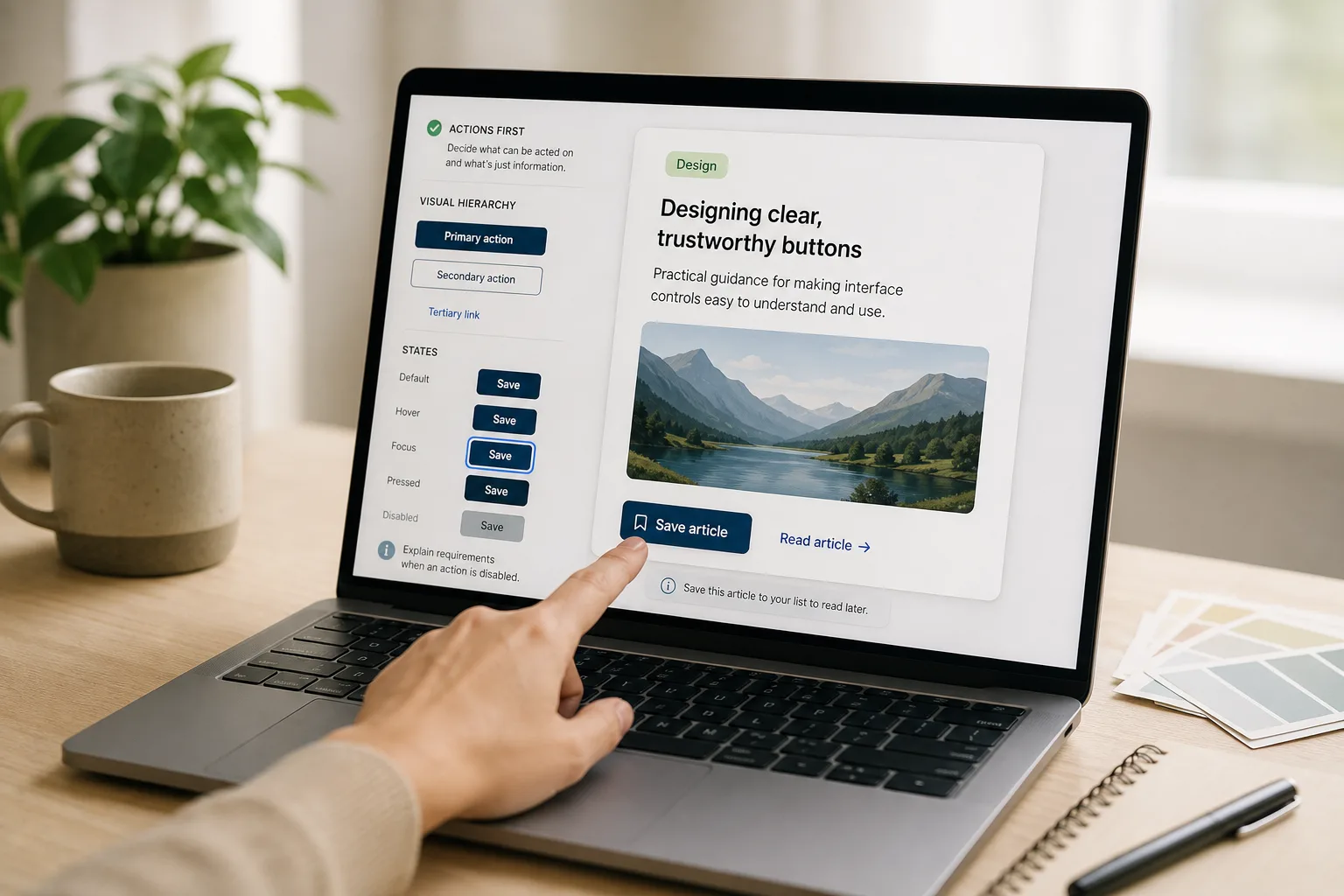
Make interface buttons easier to trust by separating active controls from decoration with contrast, shape, clear labels, and consistent interaction…
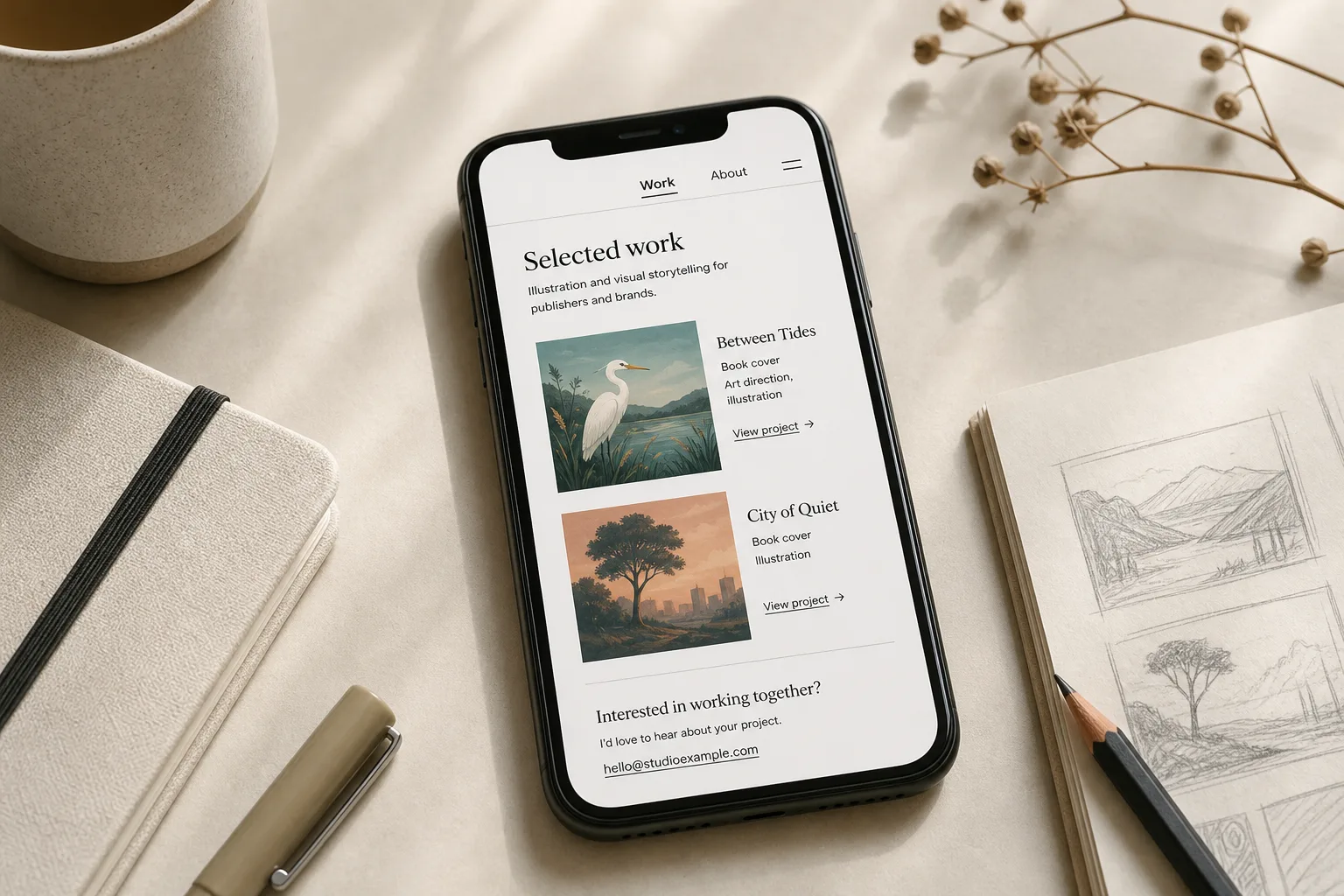
A personal website with three pages can show your work, explain your practice, and make contact easy while giving each…
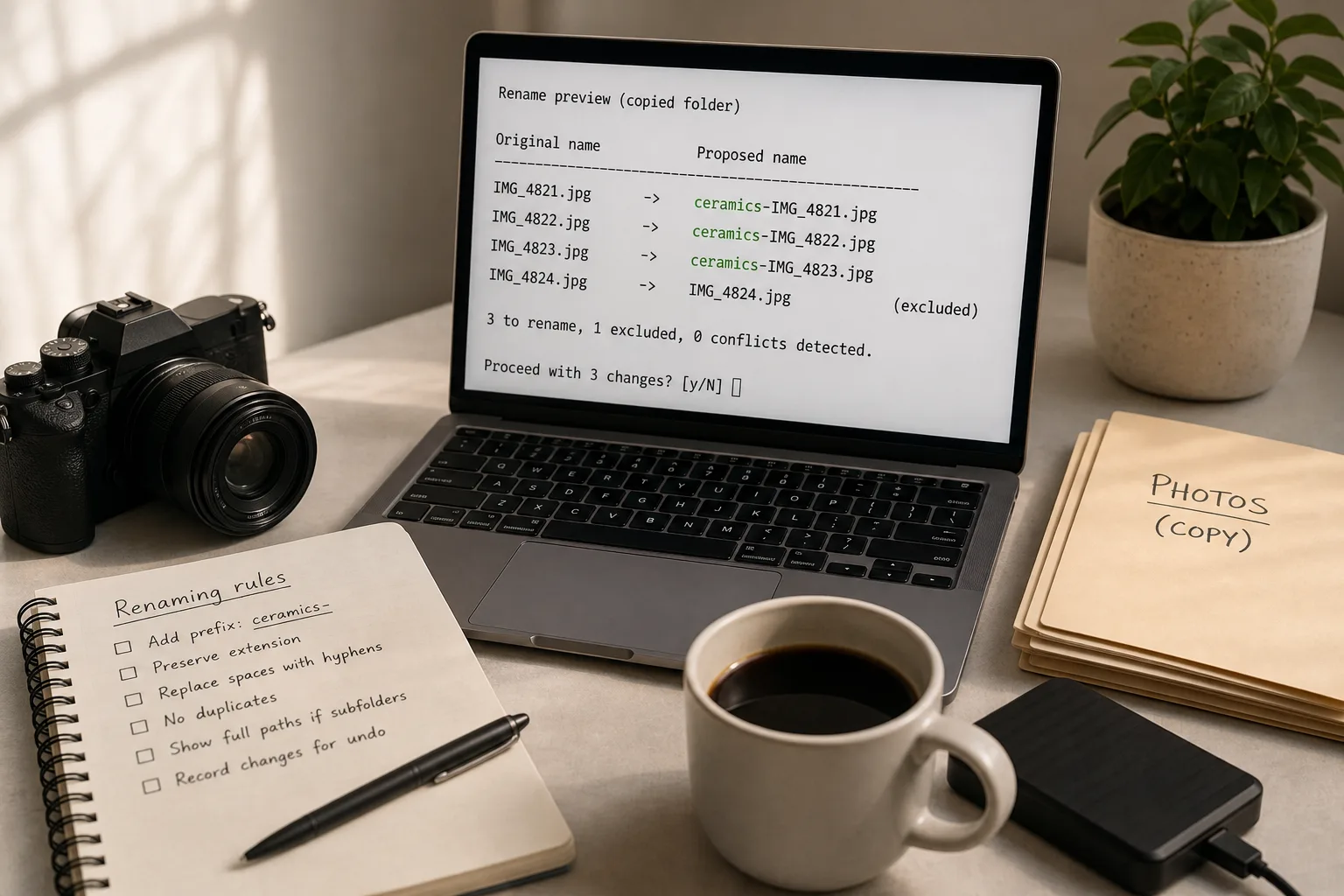
Use a file-renaming script to preview each proposed change, catch conflicts, and keep an undo record before altering an important…
Evaluate a new creative app feature by naming its task, checking the result on a copy, and deciding when it…
We look for the useful detail, test the logic of an idea, and make room for the parts that do not go to plan.
The Digital Avenue deskGood digital work often starts with a small experiment. We look at what works, what gets in the way, and what is worth trying next.
About Digital AvenueTell us what you are making, questioning, or hoping to work on together.
Send a note