A Personal Website With Three Pages and No Maze
A personal website with three pages can show your work, explain your practice, and make contact easy while giving each page one clear purpose.
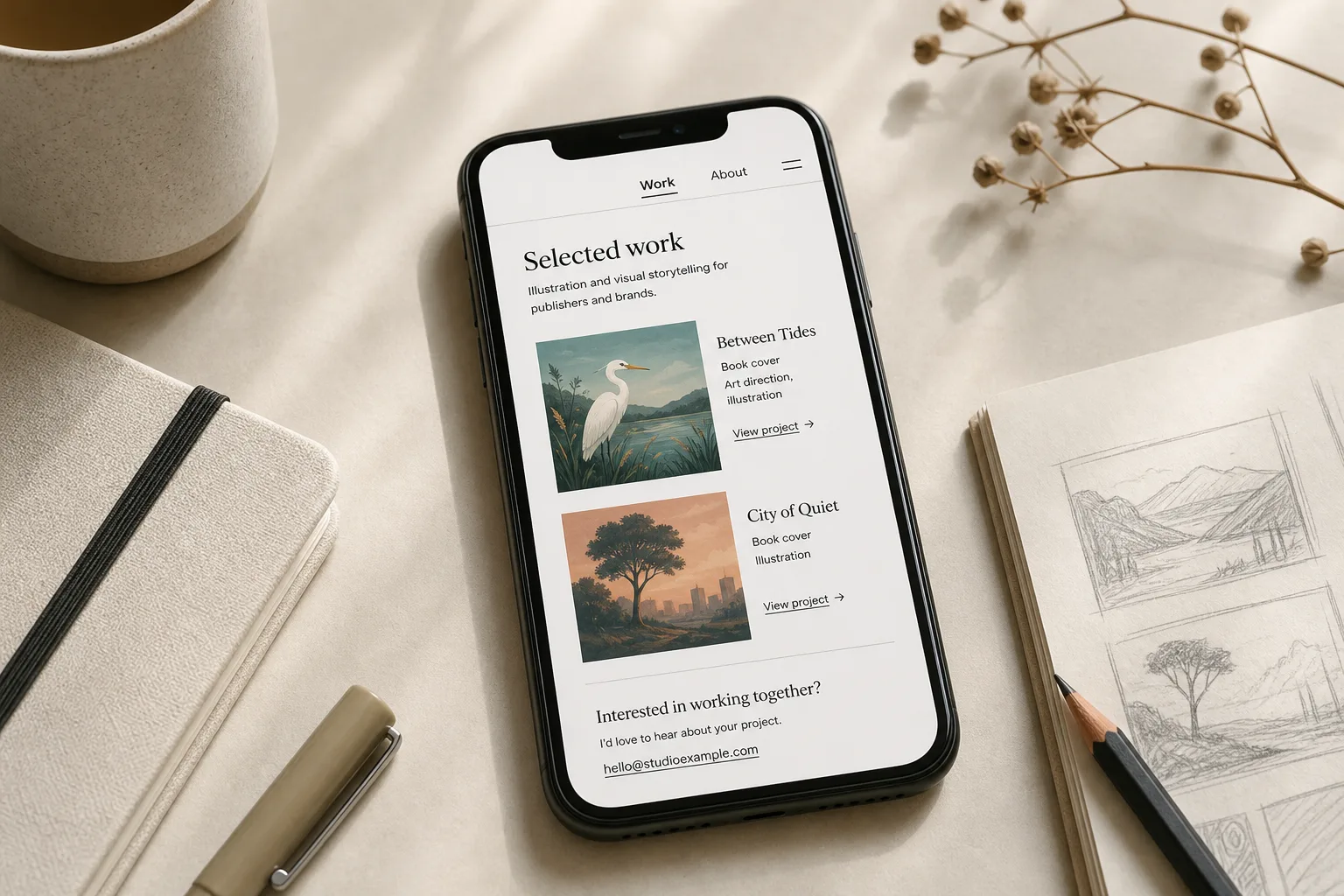
You open a personal website on your phone, tap “Work,” and land on a page that asks you to choose between “Projects” and “Get in touch.” A personal website with three pages can avoid that detour by giving visitors a home page, an about page, and a work page that also includes a clear way to make contact.
Three page roles
Let each page answer a different visitor question. The home page should identify the person and the kind of work; the about page should add relevant background; the work page should show selected projects and explain how to inquire.
- Home: If the opening screen identifies you, describes your work, and points to a useful next page, keep that structure; otherwise, simplify the copy and make the main link easier to spot.
- About: If your background or working preferences help visitors judge fit, include them; otherwise, remove unrelated biography and keep the context that informs a decision.
- Work: If projects help visitors understand what you do, show a considered selection and add contact details here; if you cannot share suitable projects, use this page to describe your offer and provide a direct contact route.
The contact route belongs on the work page, rather than becoming a competing third-page choice. That keeps the site’s structure consistent: three pages, with contact presented as the next action after someone has seen what you do.
Do not turn the home page into a filing cabinet. If your projects span different fields, name the thread that connects them and feature a few pieces that make it visible. A short site feels coherent when its choices are deliberate, not when it lists everything.
Work and contact
A work page helps visitors judge the relevance and character of your projects. A contact link or short inquiry form on that same page helps them act on what they have seen. Keep the distinction clear: the portfolio is the page; contact is a route within it.
Say you are an independent illustrator with two public book covers and client work you cannot disclose. You could put the covers on the Work page, add a brief note about your role on each, and place an email link beneath them. Visitors can see your visual direction and find a next step, while confidential projects stay private.
For each visible project, include its name, what you contributed, and any context needed to understand it. A clear image, descriptive title, and short note may be enough; add a longer case study only when the process changes how a reader should interpret the result. Do not hint at confidential details. Describe your role only in terms you are permitted to share.
About page details
Focus the About page on details that help a visitor understand your practice. A short biography, areas of focus, and a note about collaboration can provide useful context without becoming a full autobiography.
Prefer concrete language. “I design identity systems for neighborhood food businesses” tells a reader more than “I create meaningful experiences.” Mention tools when they explain your process or the deliverables you offer, not simply to make a list.
Personal details can make the page feel human, but choose them for relevance. A location, recurring interest, or point of view can add useful context; unrelated history asks the visitor to do extra sorting.
Home page direction
Make the first screen answer three quiet questions: whose site is this, what kind of work is here, and where can a visitor go next? A name, plain description, and visible link to Work or About usually communicate more than an abstract slogan.
Use the same page names in the main navigation and in links within the copy. “Work” and “About” are easy to scan; clever labels may leave visitors guessing. Since the third page includes both projects and a contact route, keep its navigation label simple and use a separate “Email” or “Get in touch” link on the page.
On a phone, check that the menu opens clearly, links are easy to tap, and visitors can tell which page they are viewing. Keep the navigation visible without letting it compete with the page’s main message.
Questions about three pages?
Does every project need its own page?
No. One Work page can hold several projects when each has a clear title and enough context to distinguish it. Give a project its own page only when a fuller explanation, images, or related material would otherwise crowd the portfolio.
Can a contact form replace an email address?
A form can offer a convenient inquiry route, but a visible email link gives visitors another option. Ask only for details needed to respond and say what happens after submission.
What if I have no portfolio yet?
Use the Work page to describe the kind of projects you want to take on and show a clearly identified personal project or practice piece if you have one. State that it was self-directed rather than commissioned, so readers understand its context.
When should I add another page?
Add a page when visitors have a distinct need that the existing pages cannot serve clearly, such as a collection of resources they return to. If the material is brief or belongs with a project, keep it there instead.
Effort worth skipping
It is not worth inventing a complicated menu for three pages, writing a long origin story before you know what visitors need, or adding motion that delays access to your work. A restrained visual system, readable type, consistent spacing, and descriptive page titles are easier to maintain.
Also resist adding a page just because a template provides one. An empty news section or vague service categories create upkeep without helping someone decide. A personal website with three pages works when each page has a distinct job and contact is an obvious next action on the Work page.
Structure checks
- Home message: Check whether the first screen names the site owner and describes the work; if it does, keep the wording, and if it does not, replace vague copy with a plain description.
- Main link: Check whether the most visible link leads to a likely next page; if it does, keep its placement, and if it does not, move it into view and name its destination.
- Navigation labels: Check whether page names match in the navigation and in-page links; if they do, retain them, and if they do not, standardize labels such as “Work” and “About.”
- Project context: Check whether each featured piece identifies the project and your role; if it does, keep the note, and if it does not, add a short description or remove work you cannot explain usefully.
- Contact route: Check whether visitors can find a direct way to inquire on the Work page; if they can, keep it, and if they cannot, add a visible email link or a simple form with a note about what happens next.
- Phone navigation: Check whether the menu opens clearly and the current page is apparent; if both are true, keep the layout, and if either is unclear, adjust the menu and link spacing before publishing.
Imagine an independent ceramic artist with four pages labeled “Studio,” “Journal,” “Work,” and “Get in touch.” The artist has a short biography, three finished pieces to show, and an email address, and wants a three-page site. First, they combine the biography and a concise description of the practice on Home, leaving the journal out of the main structure. Next, they use About for working details and expectations. Then they place the three labeled pieces on Work and add the email link below them. The resulting site has a clear starting point, separate background, and one page that connects visible work to contact; the tradeoff is a denser Home page, so the artist keeps its biography brief.
Before publishing, follow the site as a visitor: start on Home, open Work, and look for both project context and a direct inquiry route. Then visit About to check whether the background adds information rather than repeating the opening copy. If a link’s label does not make its destination clear, revise the label or its placement.
Keep the three-page structure legible by using consistent navigation labels, descriptive links, and a contact route on Work. A small website needs only a few well-named doors, with a clear purpose behind each one.
More to tinker with
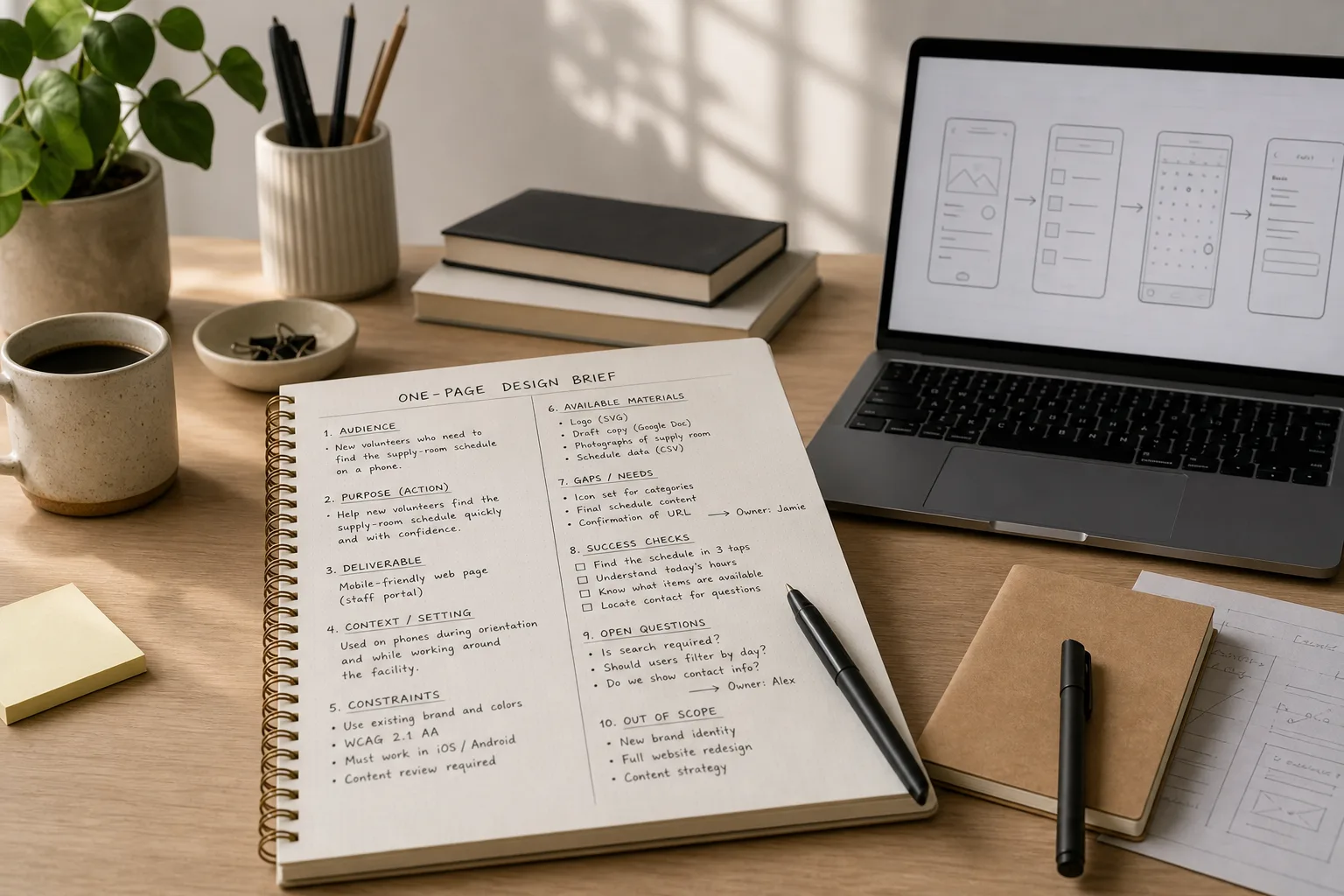
A One-Page Brief Before You Open the Design App
A one-page design brief helps you settle audience, purpose, constraints, and open decisions before visual exploration…
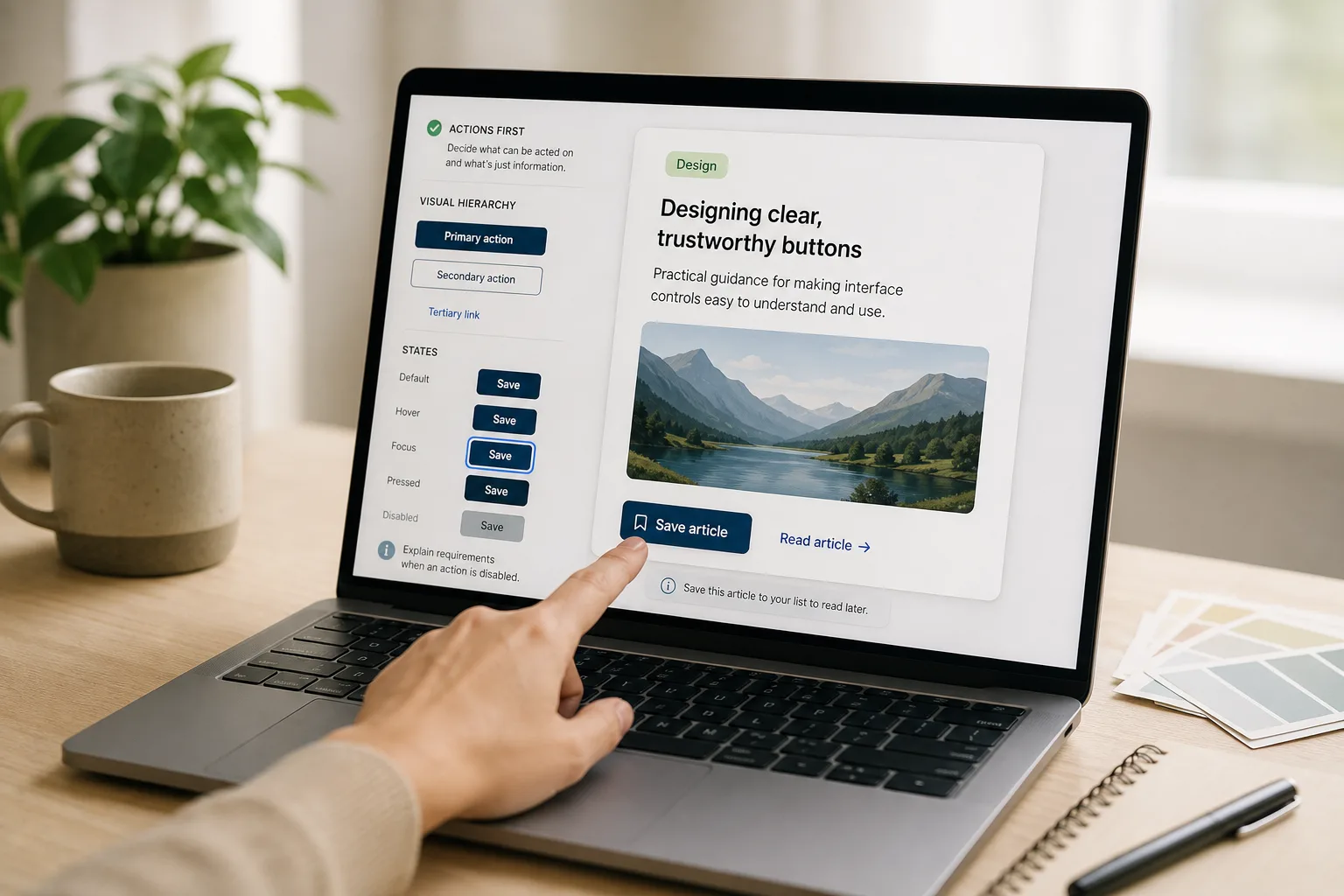
The Button That Looks Clickable but Does Nothing
Make interface buttons easier to trust by separating active controls from decoration with contrast, shape, clear…