A One-Page Brief Before You Open the Design App
A one-page design brief helps you settle audience, purpose, constraints, and open decisions before visual exploration starts, so early choices have a clear basis.
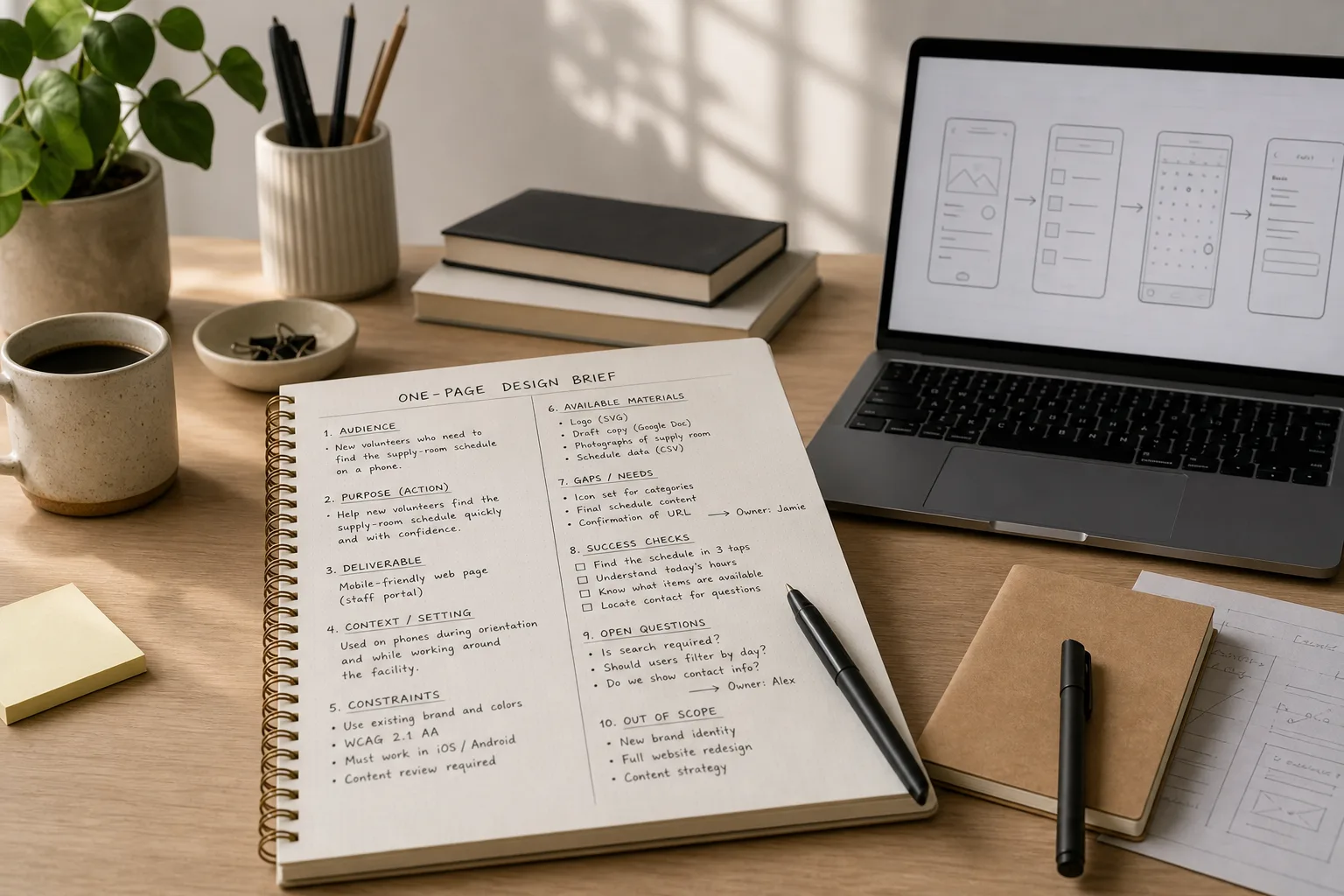
You have a blank Figma file open, a rough request in your inbox, and several possible directions already competing for attention. A one-page design brief gives the work a steadier starting point: it names the audience, purpose, constraints, and decisions to settle before visual exploration begins.
Keep it short enough to read in one sitting. The point is not to predict every detail, but to make the first design choices answer to a shared understanding of the task.
Build the brief around decisions
- Name the audience in useful terms. Describe the people who will use or encounter the work, and include only details that affect design. “New volunteers who need to find the supply-room schedule on a phone” gives you more to work with than “the general public.” Avoid turning a brief into a fictional biography; a relevant device, setting, or level of familiarity is usually enough.
- State the purpose as an action. Write what the intended audience should be able to do after seeing the design. “Understand the event and register” is more actionable than “make the event feel exciting.” The desired action can be a decision, a task, or a better understanding, but it should be clear enough to influence hierarchy and content.
- Separate the deliverable from the goal. Record what you are making—perhaps an email header, a landing page, or a set of social graphics—alongside what it needs to accomplish. A format is not a purpose. This distinction helps prevent a familiar drift: polishing the requested artifact while losing sight of the problem it is meant to address.
- Define the setting of use. Note where the work will appear and what surrounds it: a printed notice beside a busy entrance, a graphic in a newsletter, or a page reached from a staff portal. Context affects how quickly someone can take in the message and what supporting information belongs nearby. Stick to details that change a design decision.
- List the real constraints. Capture fixed requirements such as approved copy, existing brand assets, accessibility needs, supported formats, or a review process. Mark which items are nonnegotiable and which can be discussed. A constraint is useful when it narrows a choice; a vague warning such as “keep it professional” needs a question before it can guide the work.
- Record available materials and gaps. Name what you already have: a logo in SVG format, draft text in Google Docs, photographs, or a required link. Then list what is missing and who can provide it. This prevents a designer from treating absent content as a visual problem, or silently filling a factual gap with invented copy.
- Choose a way to judge the result. Set a small number of observable checks tied to the purpose. For a signup page, that might mean a reader can identify the event date, understand who may attend, and locate the registration action. These are review questions, not claims about future performance; they give collaborators something more useful to discuss than whether a draft “feels right.”
- Surface unresolved decisions. Write down questions that could change the direction: Is registration required? Does the organization have a current logo file? Is the copy approved? Assign each question to a person or mark it as an assumption that needs confirmation. Unresolved matters are easier to manage when they are visible than when they appear later as surprise feedback.
- Set a boundary for exploration. State what is deliberately outside this round. A request for an event announcement might not include a new identity system, a full website, or a content strategy. A clear boundary protects attention while leaving room to revisit the scope if the underlying need turns out to be different.
Keep the page usable
A brief should be easy to scan, not impressive to look at. Use a plain document, a Notion page, or a single frame in FigJam; choose whichever place collaborators can actually open and comment on. Give each item a short label, write in ordinary language, and leave room to mark assumptions and decisions as they change.
Say you are asked to make a poster for a neighborhood repair-clinic afternoon. Your brief might name local residents who need to know whether they can bring a small appliance, state the purpose as helping them understand the event and find its location, and note that the venue, supplied copy, and a printable PDF are fixed. It could also flag the unresolved question of whether walk-ins are welcome. Before opening the design app, that one answer is worth getting; it may change the headline and the information the poster needs to carry.
It is not worth debating typefaces, color palettes, or decorative references in the brief unless a specific requirement makes them relevant. Those choices belong to exploration, where you can compare them against the audience, purpose, and constraints you have recorded.
Questions before designing?
How long should a one-page design brief be?
Keep it to one page or screen, with enough room to name the audience, purpose, constraints, and open decisions. If it grows into a long report, move background material elsewhere and keep the working brief focused on choices the design team must make.
Who should write the brief?
The person requesting or sponsoring the work should help define its purpose and constraints, while the designer can shape the questions and clarify what is missing. Treat the brief as a shared working document rather than a form that one person completes alone.
What if the project details are still unclear?
Mark uncertain points plainly and give each one an owner or a next action. You can begin limited exploration around settled requirements, but avoid building a polished direction on assumptions that could change the audience, content, or deliverable.
Should the brief include visual references?
Include references only when they explain a requirement, such as an existing brand system or a format the work must fit. If they merely express a general mood, save them for exploration and discuss what qualities matter rather than treating one reference as a finished answer.
Return to the purpose
Before your first visual draft, reread the one-page design brief and check that each prominent choice has a reason tied to its audience, purpose, or constraints. When a new request arrives, update the page rather than relying on a half-remembered conversation. That small habit leaves more room for creative judgment because the work starts with fewer invisible decisions.
More to tinker with
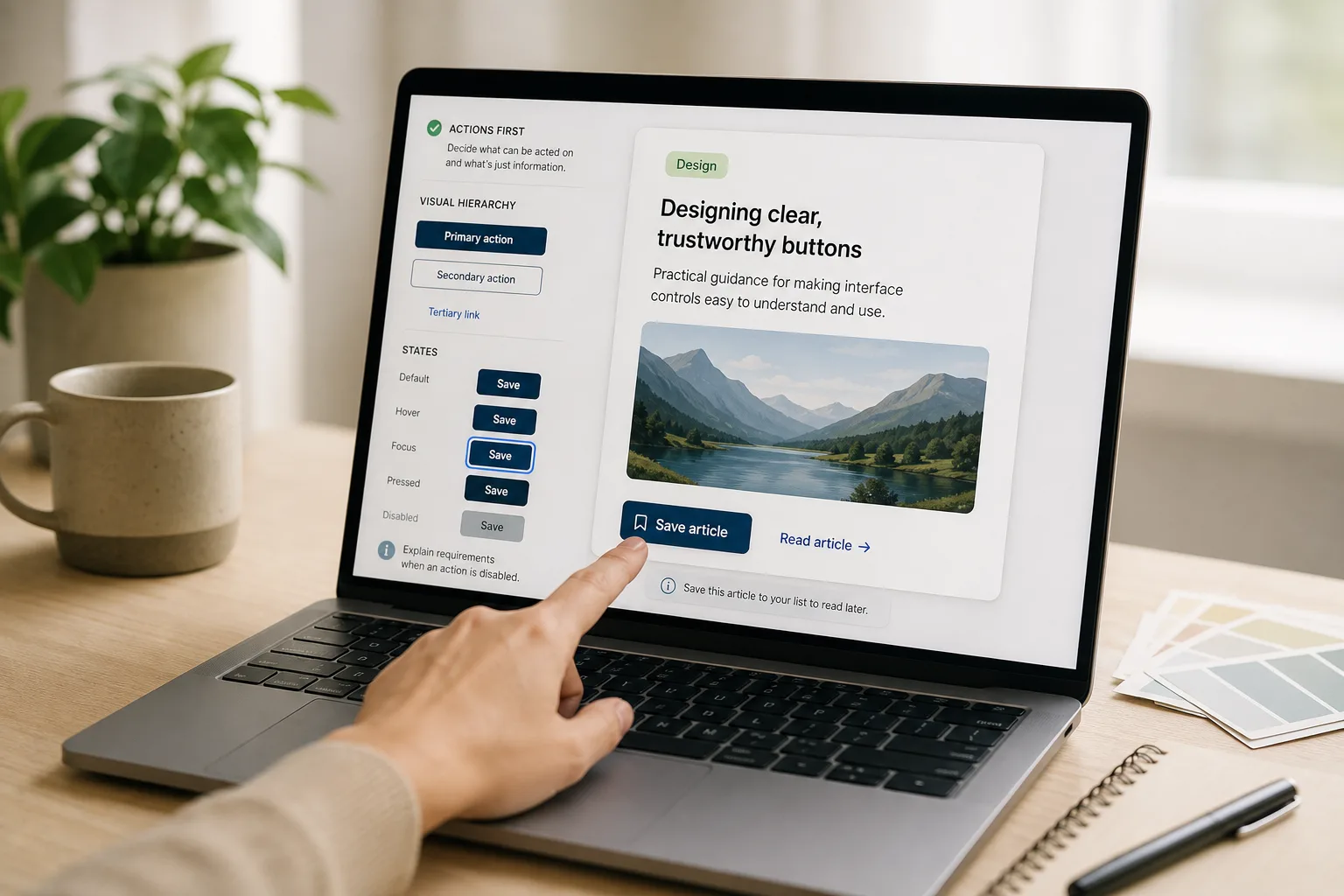
The Button That Looks Clickable but Does Nothing
Make interface buttons easier to trust by separating active controls from decoration with contrast, shape, clear…
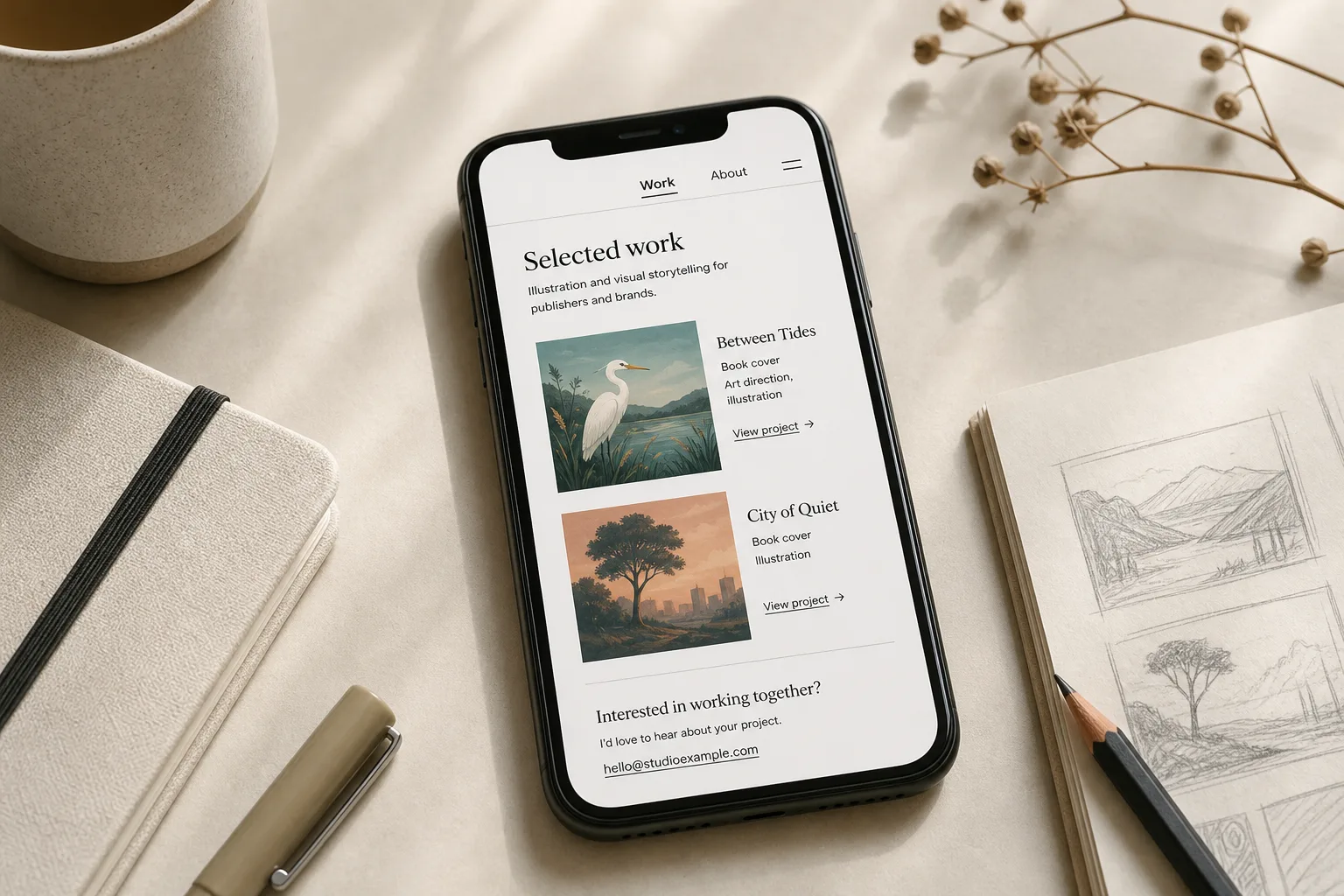
A Personal Website With Three Pages and No Maze
A personal website with three pages can show your work, explain your practice, and make contact…